How to Create an ATS-Friendly Resume That Actually Gets Interviews


The Silent Gatekeeper: Why Your Resume Isn't Being Read
You’ve spent hours perfecting every bullet point. You have the exact skills they’re looking for. You hit "Submit Application," feeling confident. Then... absolute silence. Or worse, an automated rejection email hits your inbox at 2:00 AM.
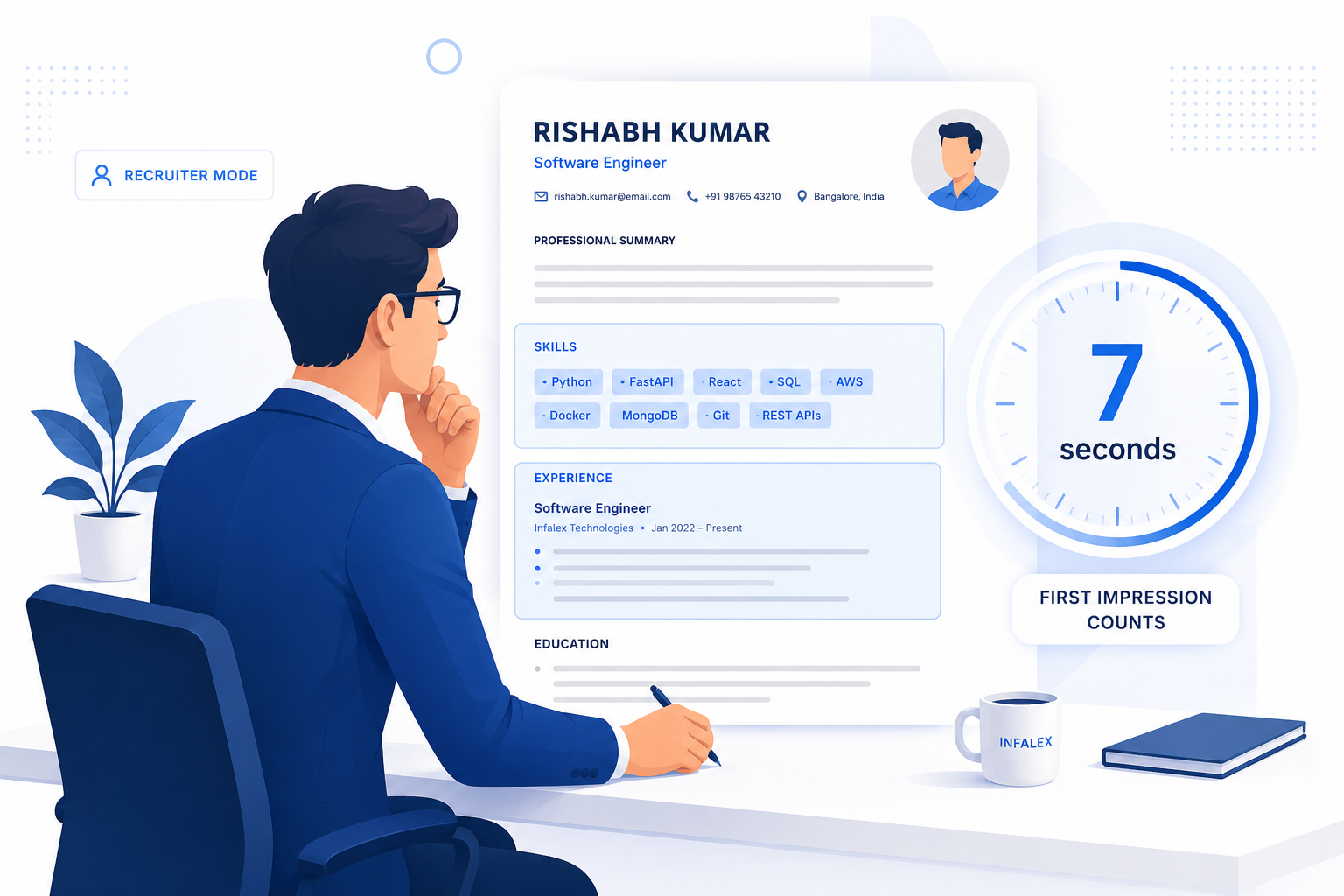
If this sounds familiar, it's probably not your lack of qualifications. The harsh reality of modern recruiting is that a human being rarely reads your resume first. Before a recruiter or hiring manager ever sees your application, it must pass through a silent, digital gatekeeper known as an ATS (Applicant Tracking System).
In today’s hyper-competitive job market, knowing how to create an ATS-friendly resume isn't just a "nice-to-have" skill—it is the fundamental prerequisite for getting hired.
Let's demystify the bots. In this comprehensive guide, we'll break down exactly what an ATS is, why perfectly good candidates get rejected, and the exact step-by-step framework you can use to build an ATS-friendly resume that actually lands you interviews.
What Exactly is an ATS (Applicant Tracking System)?
An Applicant Tracking System (ATS) is enterprise software used by recruiters and HR departments to manage the hiring process from end to end. Think of it as a massive digital filing cabinet combined with a search engine.
When a company posts a job opening on LinkedIn, Indeed, or their own career site, they might receive hundreds—sometimes thousands—of applications for a single role. It is physically impossible for a human recruiter to read every single one.
Enter the ATS.
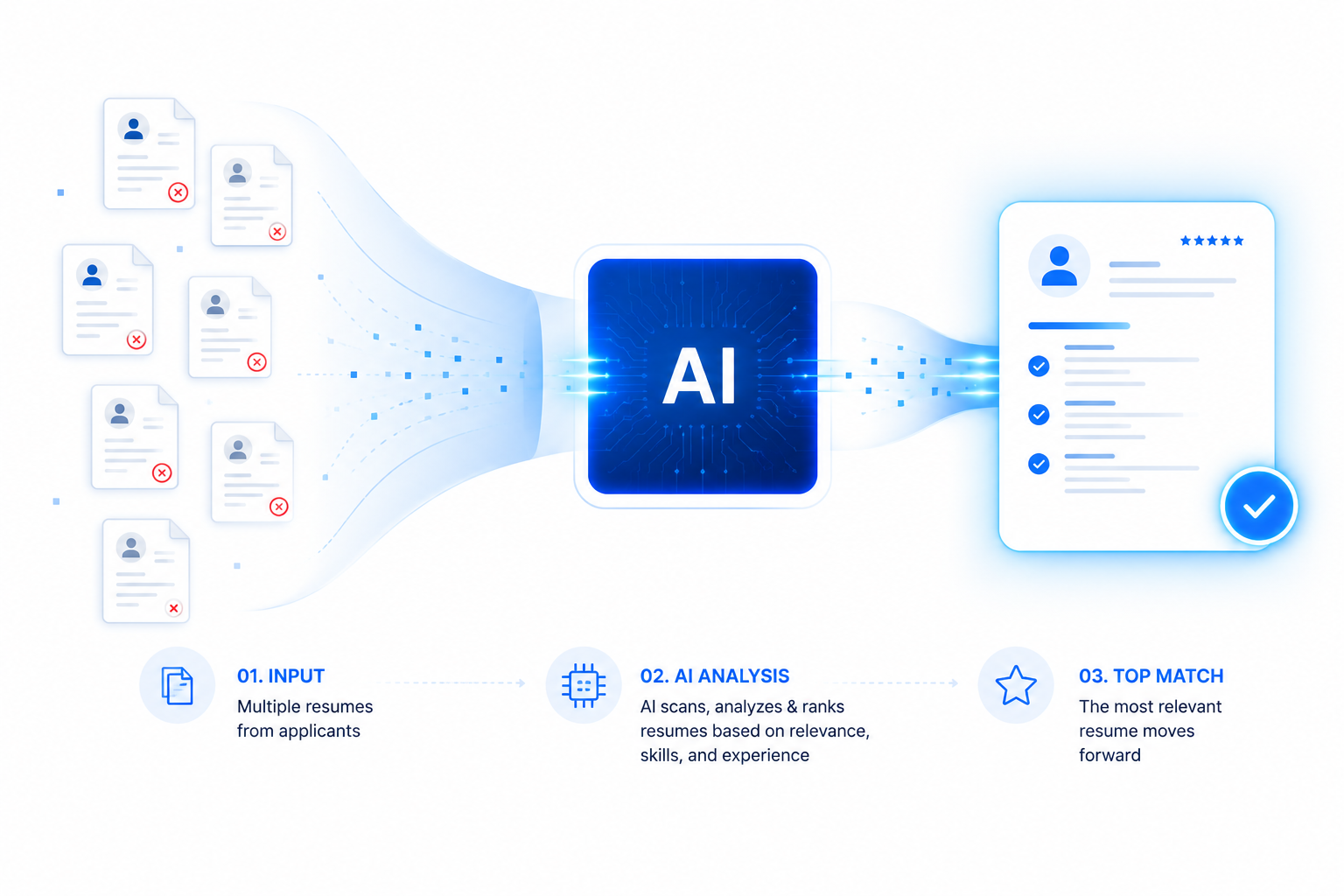
The ATS ingests every submitted resume, parses the document (reads and categorizes the text), and stores it in a database. When a recruiter is ready to review candidates, they type specific keywords, job titles, and skills into the ATS search bar.
The system then ranks and retrieves the resumes that best match those keywords. If your resume isn't formatted in a way the ATS can read, or if it lacks the exact keywords the recruiter is searching for, you become invisible.
How Does an ATS Actually Work?
To beat the system, you must understand how it reads. When you upload a PDF or Word document, the ATS goes through a process called "parsing."
Here is what happens under the hood during resume parsing:
- Text Extraction: The software strips away all formatting (colors, columns, graphics) and extracts the raw text.
- Data Categorization: The system uses natural language processing (NLP) to figure out which text belongs in which bucket. It looks for standard headings to categorize your Contact Info, Work Experience, Education, and Skills.
- Keyword Indexing: Every word on your resume is indexed.
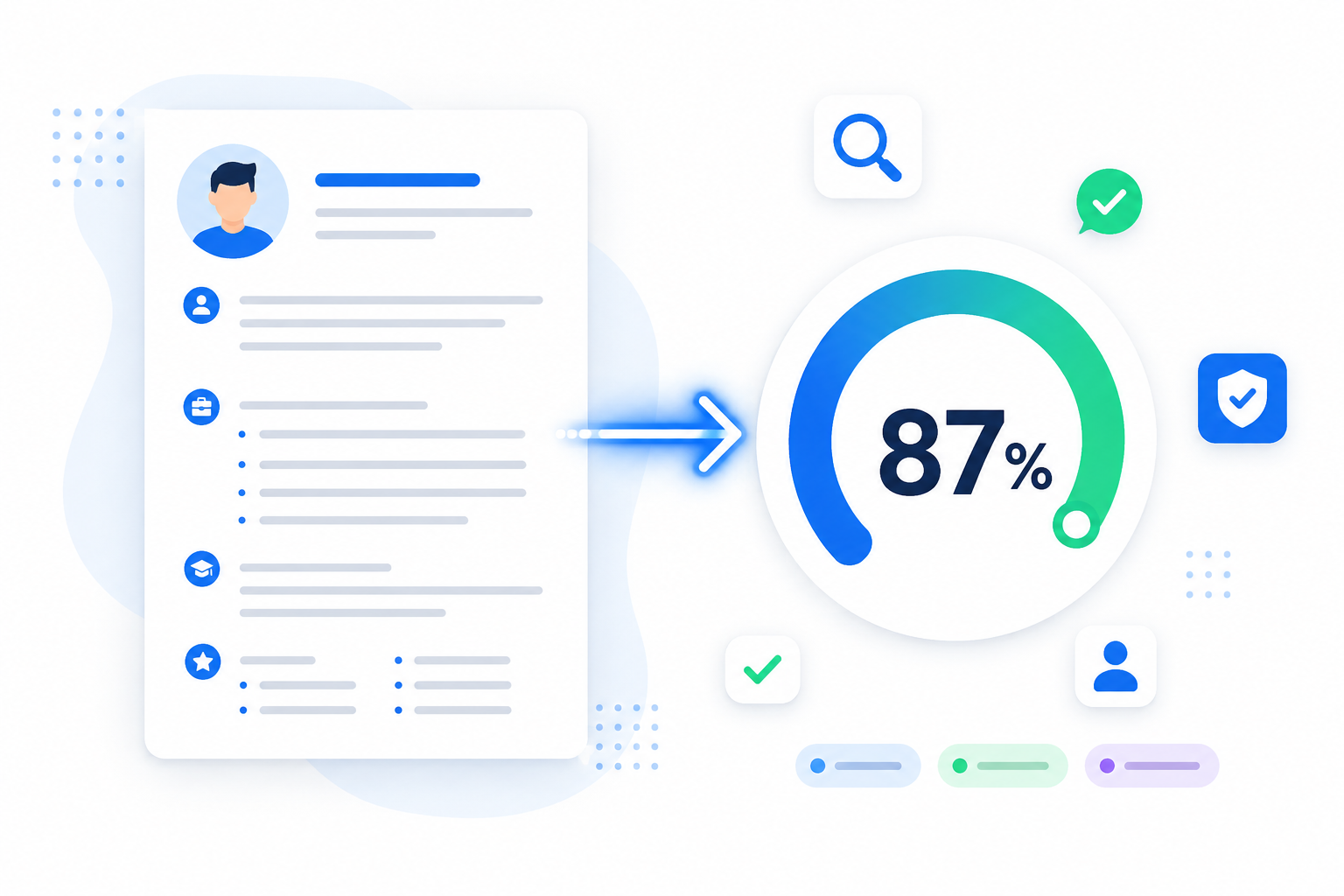
- Scoring and Ranking: Many modern ATS platforms (like Workday, Greenhouse, or Lever) will give your resume a match score (e.g., 85% match) based on how well your extracted text aligns with the job description.
If the ATS gets confused during Step 1 or Step 2 because of a weird layout, your data gets scrambled. Your current job title might end up in the "Education" bucket, or your skills might disappear entirely.
The Brutal Truth: Why Good Resumes Fail the ATS Test
Most candidates fail the ATS test not because they lack experience, but because they overcomplicate their design. In an attempt to "stand out visually," they shoot themselves in the foot digitally.
Here are the top reasons resumes get auto-rejected:
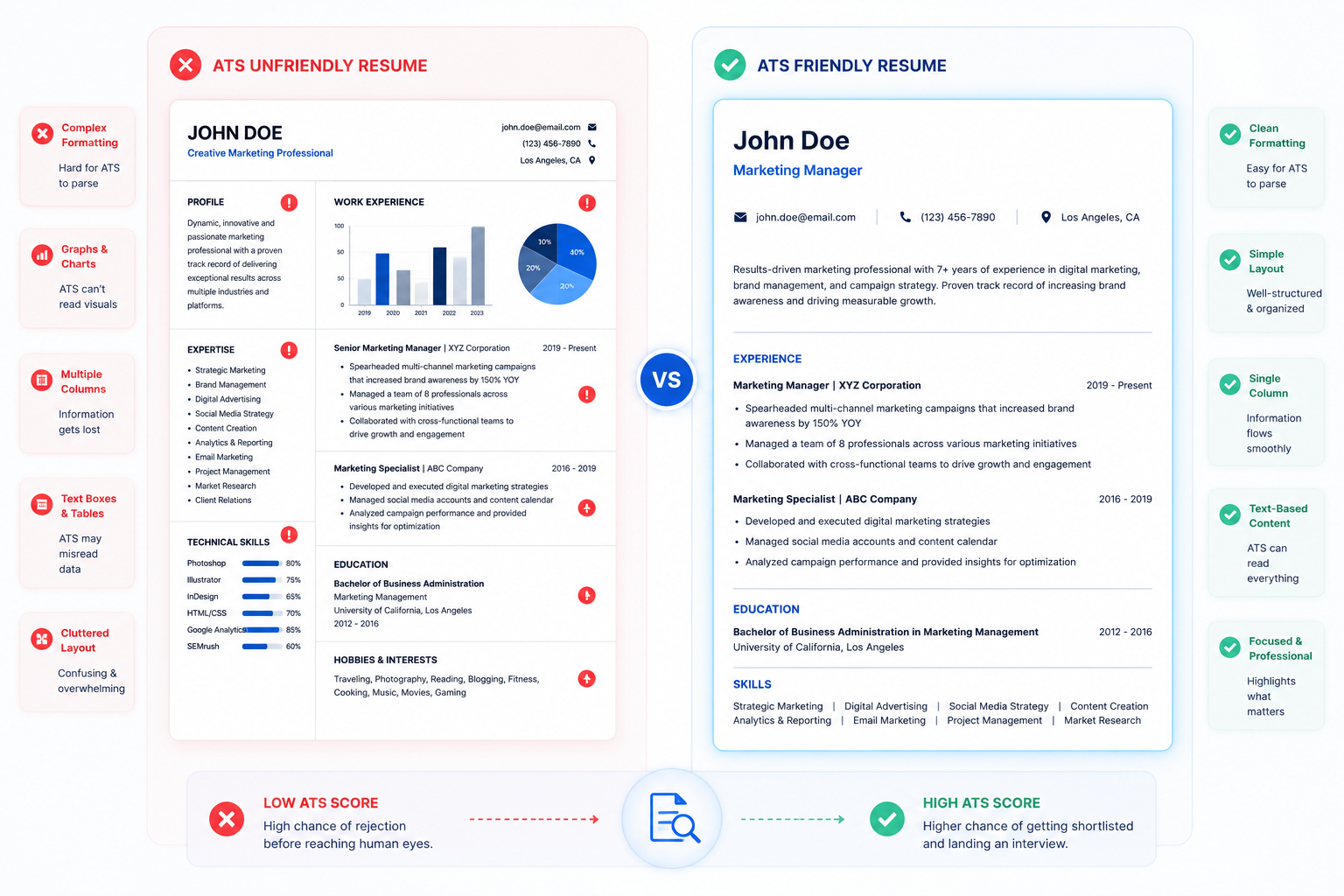
- Complex Layouts: Multi-column layouts completely break older parsing algorithms, which read strictly from left to right, top to bottom.
- Images and Graphics: An ATS cannot read text embedded in images, charts, or graphs. If you use a slider bar to show you are "90% proficient in Python," the ATS just sees blank space.
- Unconventional Headings: If you name your experience section "My Career Journey" instead of "Work Experience," the ATS won't know where to categorize your jobs.
- Missing Keywords: If the job description asks for "Customer Service" and your resume says "Client Relations," you might not rank for the search query, even though they mean the same thing.
If you’re struggling with the invisible formatting mistakes, check out our deep dive on fixing the formatting mistake that is rejecting your application.
The Golden Rules of ATS Formatting
Creating an ATS-friendly resume requires a "content over design" mindset. You need a clean, predictable structure. Follow these unbreakable formatting rules:
1. Ditch the Two-Column Layout
Always use a single-column, left-to-right layout. While two-column resumes look modern and save space, many ATS parsers will read straight across the page, jumbling your experience on the left with your education on the right.
2. Use Standard Section Headings
The ATS is programmed to look for specific trigger words to map your data. Do not get creative here. Use these exact headings:
- Contact Information
- Professional Summary
- Work Experience (or Professional Experience)
- Education
- Technical Skills (or Core Competencies)
- Certifications
3. Strip Out Graphics and Charts
Remove all headshots, logos, progress bars, icons, and pie charts. They confuse the parser. If you want to show proficiency in a skill, list the skill and describe how you used it in a bullet point.
4. Be Careful with Tables
While some modern ATS can parse simple tables, it is safer to avoid them entirely. Use simple tab stops or bullet points to align your text instead.
5. Keep Formatting Simple
Stick to standard bullet points (circles or squares). Avoid complex borders, shading, or custom HTML. The simpler the formatting, the more accurately your data will be extracted.
Mastering Resume Keyword Optimization
Formatting ensures the ATS can read your resume; keywords ensure the recruiter can find it. Keyword optimization is the art of aligning your resume's vocabulary with the employer's job description.
Hard Skills vs. Soft Skills
Recruiters search for hard skills (quantifiable, teachable abilities like Python, SEO, or Salesforce) far more frequently than soft skills (leadership, communication).
How to Find the Right Keywords
- Analyze the Job Description: Print out or highlight the job description. Look for specific nouns and verbs that are repeated or listed under "Requirements."
- Match the Exact Phrasing: If the job asks for "Search Engine Optimization," write "Search Engine Optimization (SEO)," not just "SEO." You want to cover both the acronym and the spelled-out version.
- Context Matters: Don't just stuff keywords at the bottom of the page in a massive list. Integrate them naturally into your experience bullet points to show how you used that skill.
For a deeper dive into exactly what recruiters type into the search bar, read our guide on top resume keywords recruiters look for.
The Best Fonts and File Formats for ATS
Choosing an ATS-Friendly Font
Stick to standard, system-safe fonts that are universally recognized by parsing software.
- Serif Fonts: Garamond, Georgia, Cambria
- Sans-Serif Fonts: Arial, Calibri, Helvetica, Roboto
Keep your font size between 10pt and 12pt for body text, and 14pt to 16pt for headings.
The Ultimate File Format Debate: PDF vs. Word
Historically, a .docx (Microsoft Word) file was the safest bet for an ATS. However, nearly all modern Applicant Tracking Systems today flawlessly parse standard .pdf files.
The Verdict: Submit a PDF unless the job description explicitly requests a Word document. A PDF locks your formatting in place, ensuring that a human recruiter sees exactly what you designed, regardless of the device they use.
Warning: Never upload a flattened image PDF (like a scan of a printed resume or a Photoshop export). The ATS must be able to highlight and extract the text. If you can highlight the text in your PDF with your mouse, the ATS can read it.
Section Ordering: Strategic Placement
The order of your resume sections depends largely on where you are in your career.
For Students and Freshers:
- Contact Info
- Professional Summary
- Education
- Technical Skills
- Projects / Internships
- Certifications
Note: If you are a student, your education and projects are your biggest assets. Put them near the top. For specialized advice, read the best resume format for freshers.
For Experienced Professionals:
- Contact Info
- Professional Summary
- Core Competencies / Skills
- Work Experience
- Education
Your work experience is your primary selling point. Make it the focal point of the document. If you're wondering how many pages this should take, we have a definitive guide on how long a resume should be.
7 Critical Resume Mistakes That Ruin Your ATS Score
Even if you follow the basics, a few subtle errors can tank your ATS compatibility score. Avoid these common traps:
- Putting Contact Info in the Header/Footer: Many parsing systems cannot read data placed in the digital Header or Footer sections of a Word document. Put your contact info in the main body of the document.
- Keyword Stuffing: "Invisible text" (typing keywords in white font to hide them from humans but show them to the bot) is a myth that will get you instantly disqualified when the recruiter extracts the raw text.
- Abbreviating Everything: Don't assume the ATS knows that "Mgr" means "Manager" or "UI" means "User Interface." Spell things out.
- Vague Bullet Points: An ATS looks for context. "Managed a team" is weak. "Managed a cross-functional team of 12 software engineers using Agile methodologies" is rich with keywords.
- Overusing Buzzwords: Avoid empty phrases like "go-getter," "synergy," or "thought leader." They waste space and ATS algorithms don't search for them.
- Incorrect Dates: Use a standard date format (Month, Year) like "Jan 2021 - Present" or "01/2021 - 08/2023". Inconsistent dates confuse the parser calculating your total years of experience.
- Using a CV instead of a Resume: In the US and India tech sectors, a concise resume is preferred over a lengthy academic CV. Learn the difference in our Resume vs. CV Guide.
The Ultimate ATS Resume Final Checklist
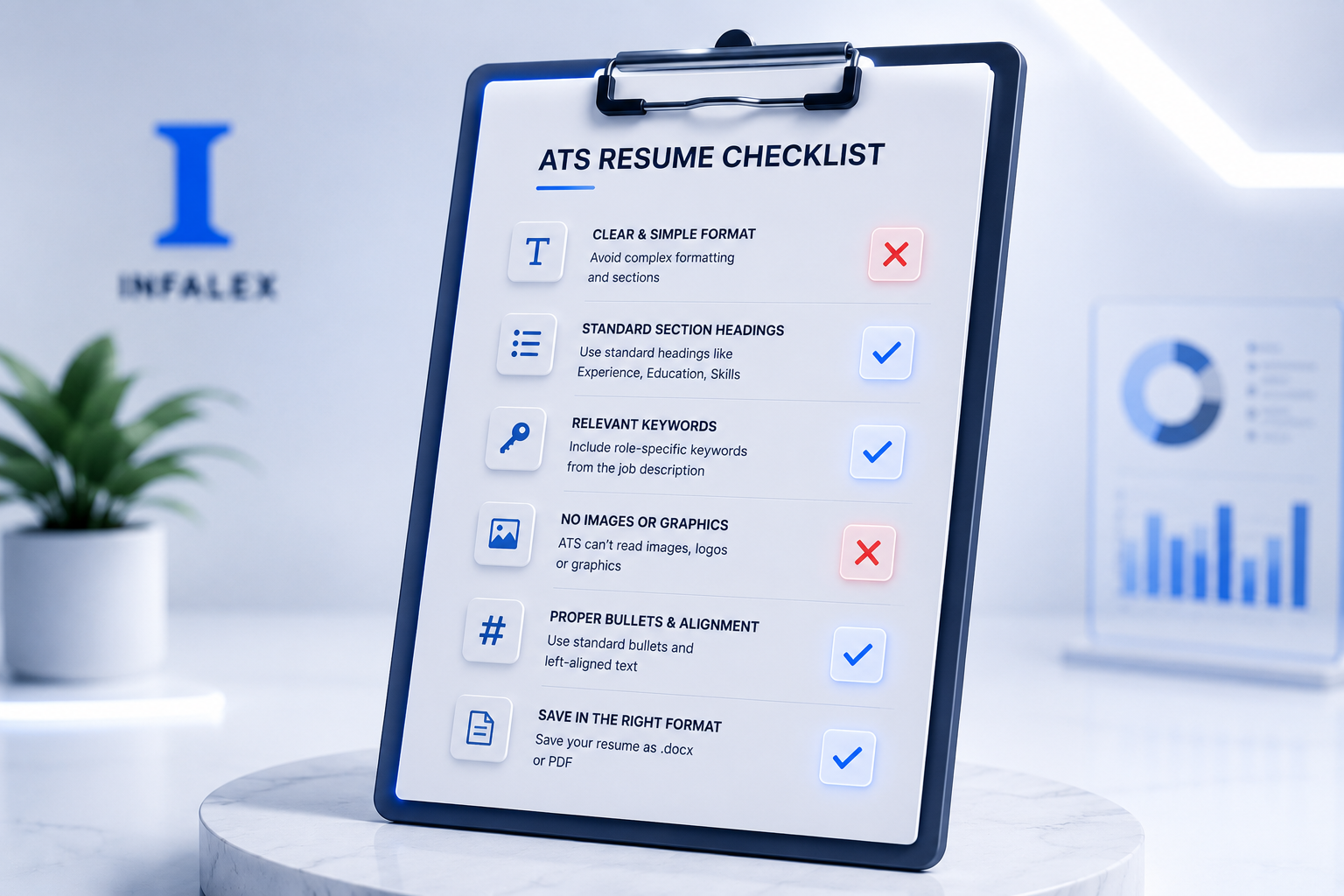
Before you hit submit on your next application, run your document through this final checklist:
- ⬜ Is it a single-column layout?
- ⬜ Did you use standard, clear section headings?
- ⬜ Is the document free of tables, text boxes, and graphics?
- ⬜ Is your contact information in the main body, not the document header?
- ⬜ Did you customize the keywords to match the specific job description?
- ⬜ Did you use a standard, legible font (Arial, Calibri, Helvetica)?
- ⬜ Is the file saved as a text-readable PDF or .docx?
- ⬜ Can you highlight all the text in your final PDF?
If you checked every box, your resume is ready to face the bots.
🤖 The Infalex Insight: Don't Guess, Test It
Building an ATS-friendly resume manually using the rules above is essential. But you don't have to navigate the darkness alone, hoping your resume is readable.
At Infalex, we know that getting past the bots requires precision. That's why we're building Resumetra—an advanced AI Resume Analyzer and Job Matcher. Instead of wondering if you have the right keywords, Resumetra will allow you to scan your resume directly against the job description of the role you want.
It acts exactly like an enterprise ATS, giving you an instant compatibility score, highlighting missing keywords, and ensuring your formatting is perfectly parsable. Keep an eye on the Infalex tools dashboard to turbocharge your job hunt with Resumetra!
🔗 Related Articles to Read Next
- The Ultimate Guide: Best ATS Resume Format for Freshers in 2026
- 7 Resume Mistakes Costing You Job Interviews (And How to Fix Them)
- Cracking the Code: Top Resume Keywords Recruiters Look for in 2026
- How Long Should a Resume Be? The Definitive Guide for Freshers & Experienced (2026)
- Stop Sending Your Resume Into a Black Hole: The 'Invisible' Formatting Mistake Rejection Your Application
Frequently Asked Questions (FAQ)
1. Does an ATS automatically reject resumes? Yes, but usually not because of a "robot decision." If a resume lacks mandatory keywords or asks a knockout question (e.g., "Do you have 5 years of experience?"), the ATS can auto-reject. Mostly, it simply ranks resumes, and humans ignore the ones at the bottom.
2. Can I use color on an ATS-friendly resume? Yes. ATS parsers simply ignore color and extract the text. A tasteful splash of primary color (like a dark blue for headings) is perfectly fine and helps the human reader later.
3. Do I need a different resume for every job? While you don't need a completely new resume, you must tailor your Professional Summary and Skills section to include the specific keywords found in each job description.
4. Are Canva resumes ATS-friendly? Generally, no. Most Canva templates rely heavily on text boxes, multi-columns, and heavy graphics. When exported to PDF, the text layer is often scrambled, making it unreadable by an ATS. Stick to text-first editors like Word or Google Docs.
5. How do I know if my PDF is ATS readable?
Open your PDF on your computer, press Ctrl+A (or Cmd+A on Mac) to select all text, and copy-paste it into a plain text editor like Notepad. If the text pastes in a logical, readable order, the ATS can read it. If it pastes as gibberish or is missing words, your layout is broken.
6. What are "Knockout Questions"? Knockout questions are simple Yes/No or multiple-choice questions you answer when applying (e.g., "Do you require visa sponsorship?"). If you answer incorrectly based on the employer's absolute requirements, the ATS will instantly auto-reject your application before reading your resume.
Ready to optimize your career?
Join thousands of professionals using Infalex Resumetra to craft ATS-optimized resumes and land more interviews.